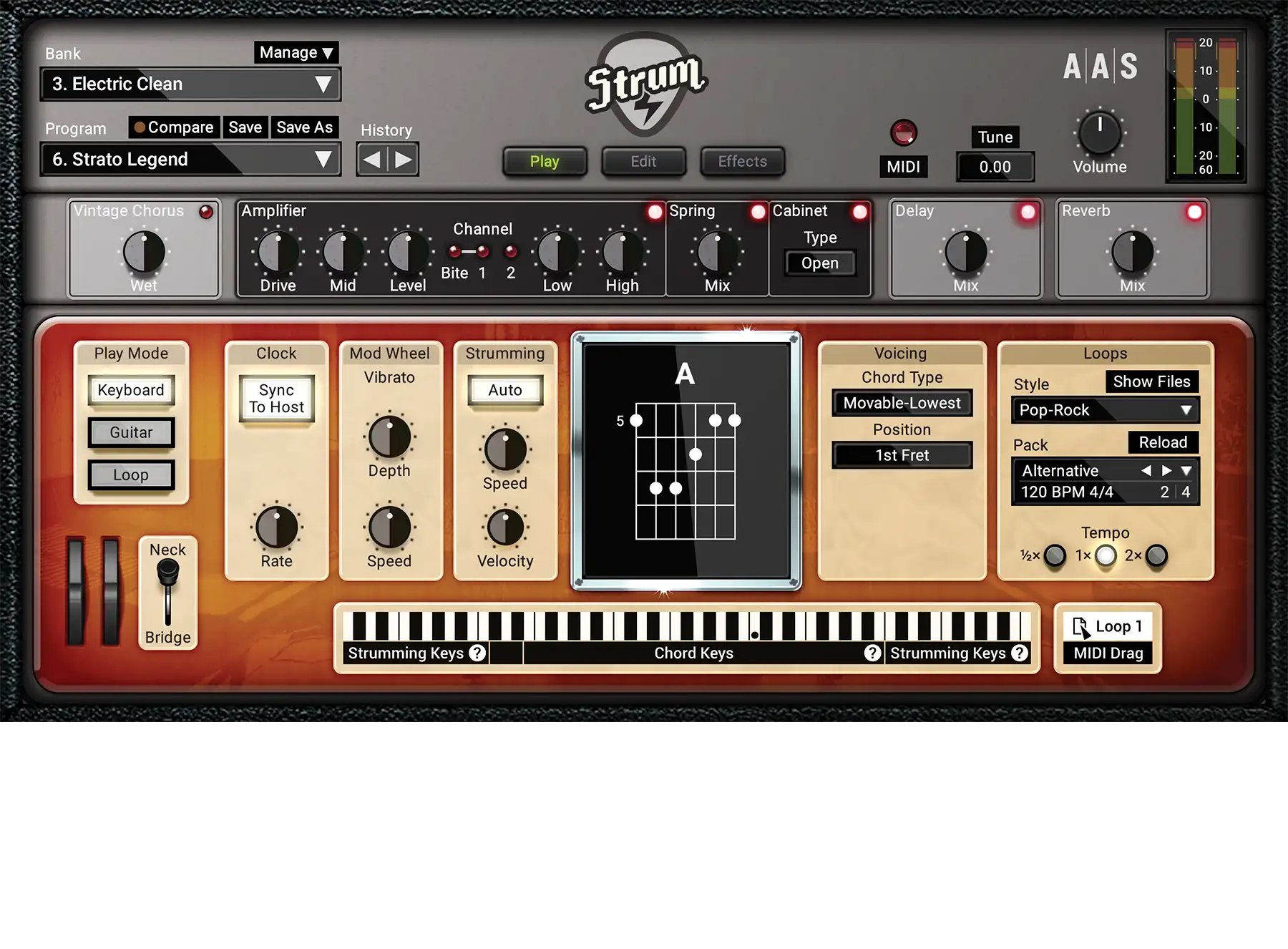
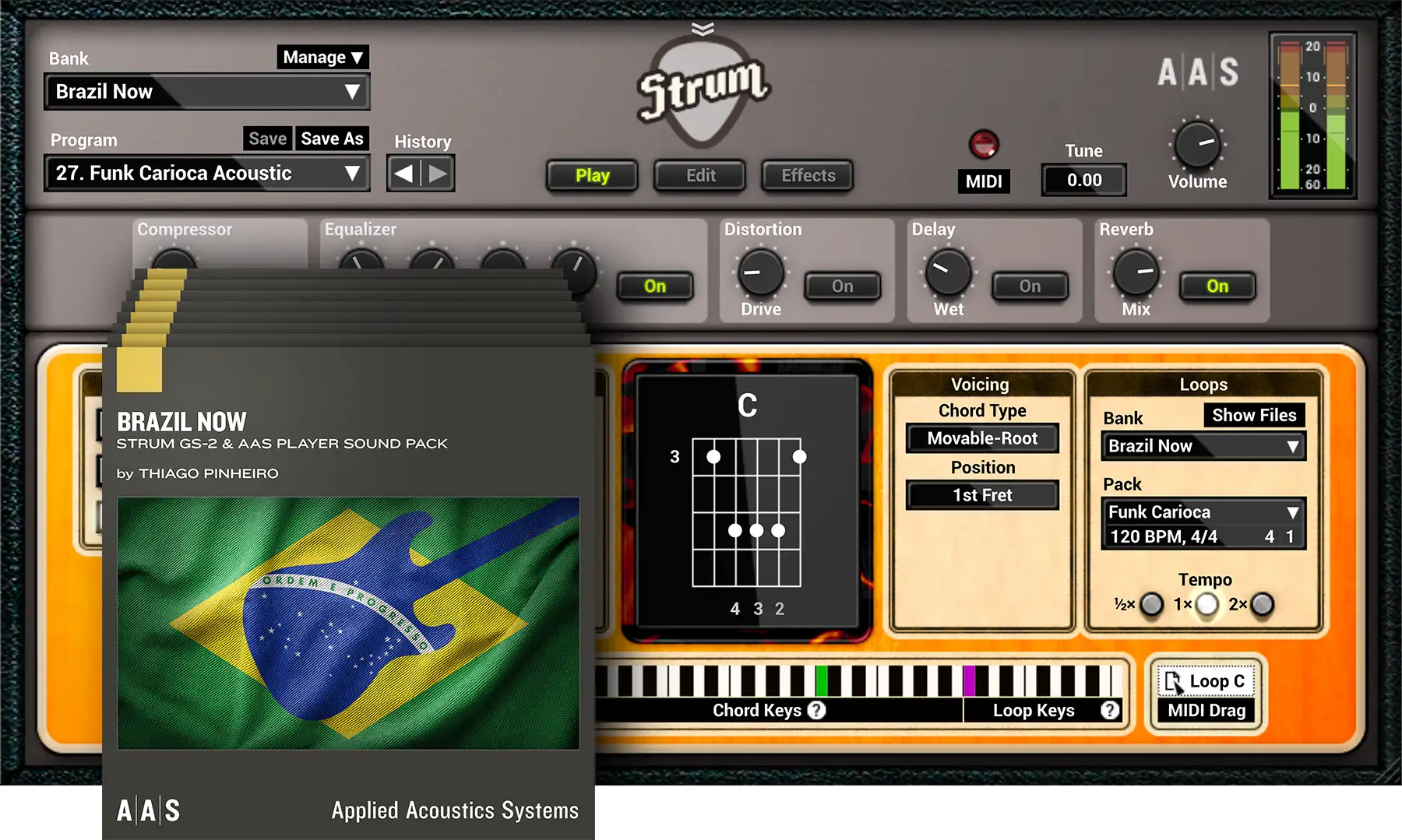
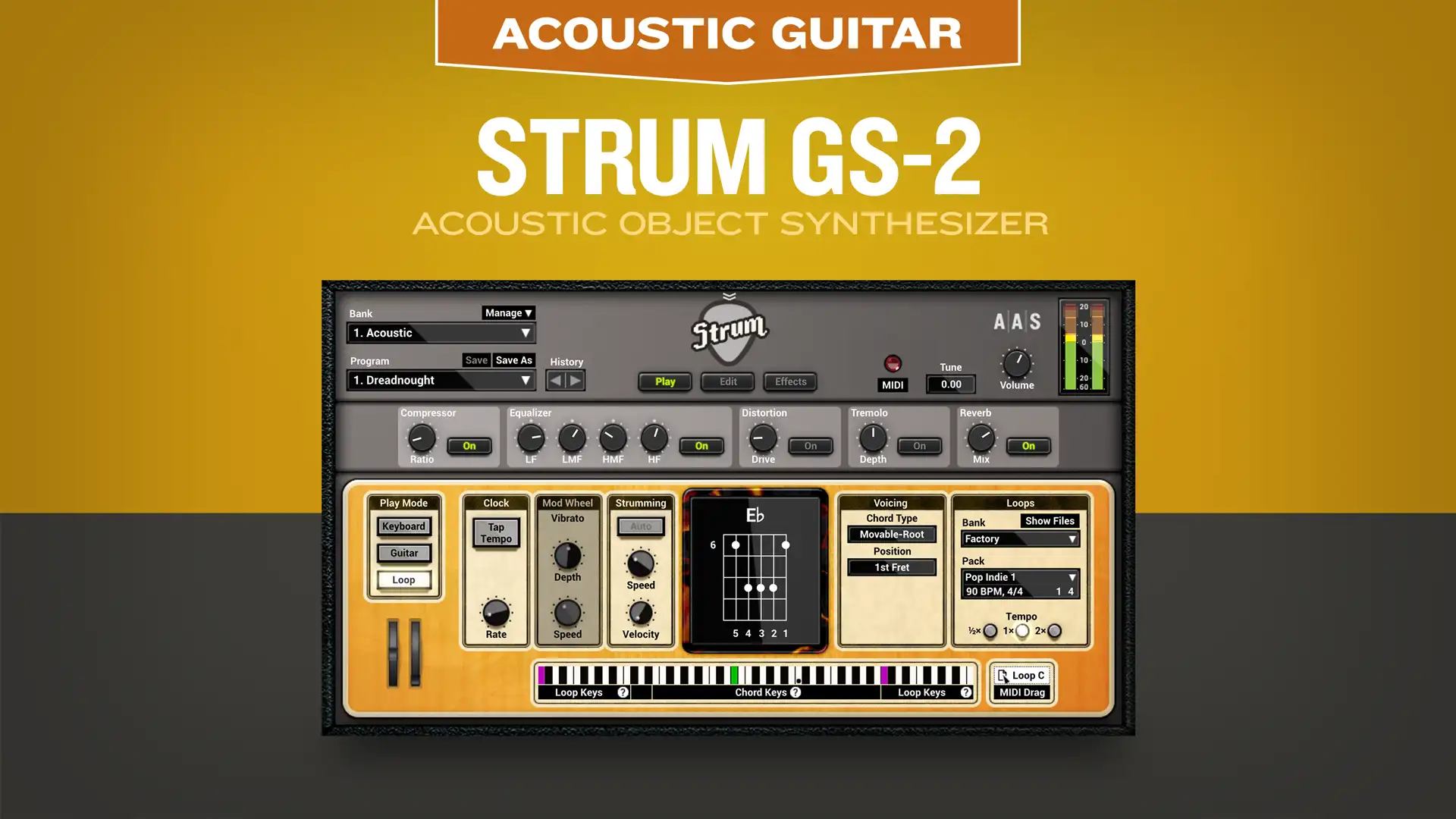
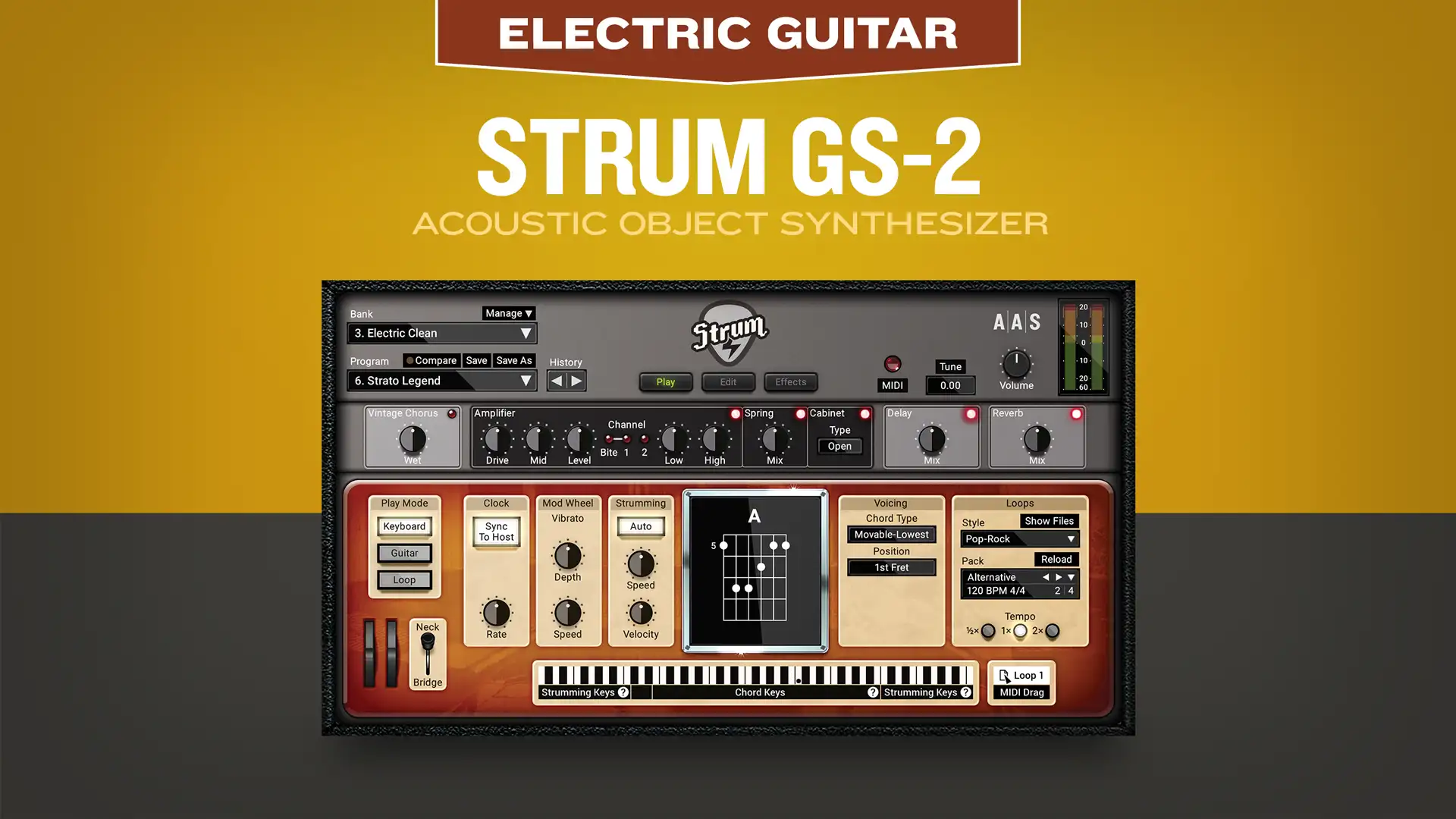
Strum Acoustic GS-1

ACOUSTIC GUITAR SYNTHESIZER PLUG-IN

Take it for a spin

There is nothing like a test drive before you buy. Less than 12 MB to download. Seconds to install.

Check out the Specifications page for the minimum system requirements.

Demo Limitations

  • Save functions have been disabled.
  • Import/Export functions have been disabled.
  • Sound is interrupted every few seconds.

  • Strum Acoustic GS-1 quits after 20 minutes.

Quick Start Guide

  • Using Strum Acoustic in standalone mode
    On Windows Launch Strum Acoustic GS-1 Demo from the Start > All Programs > Applied Acoustics Systems > Strum Acoustic GS-1 Demo menu.

    On Mac OS X  Launch Strum Acoustic GS-1 Demo from the Applications folder.

    Before you start exploring the included factory presets, take a moment to setup your audio and MIDI configuration as explained below.

  • Audio configuration
    On Windows Choose Audio Settings... from the Audio menu, and select your soundcard port from the list.

    On Mac OS X Choose Audio Settings... from the Audio menu, and select your audio device from the list.

  • MIDI configuration
    On Windows Choose MIDI Settings... from the MIDI menu, and select/highlight your MIDI port from the list.

    On Mac OS X Choose MIDI Settings... from the MIDImenu, and select/highlight your MIDI port from the list.

  • Using Strum Acoustic as an instrument plug-in
    The Strum Acoustic integrates seamlessly into the industry most popular multi-track recording and sequencing environments both as a virtual instrument plugin. The Strum Acoustic works as any other plug-in in these environments so we recommend that you refer to your sequencer documentation in case you have problem to run the Strum Acoustic as a plug-in.

  • Using MIDI Links
    Every parameter on Strum Acoustic's interface can be linked to an external MIDI controller. To assign a MIDI Link, right-click (Control+click on Mac) on a control (knob, button, or slider) and a contextual menu will appear. Select Learn MIDI Link. Move a knob or slider on your MIDI controller. This will link the control of the Strum Acoustic to the MIDI controller you just moved.

  • Using MIDI program changes
    MIDI program changes have been assigned to the factory Performances. You can therefore use program changes to explore the Strum Acoustic library.

  • Manual
    The Strum Acoustic manual is included and is accessible from the Help menu.